Disco: A Complete Guide for Artificial Intelligence Professionals
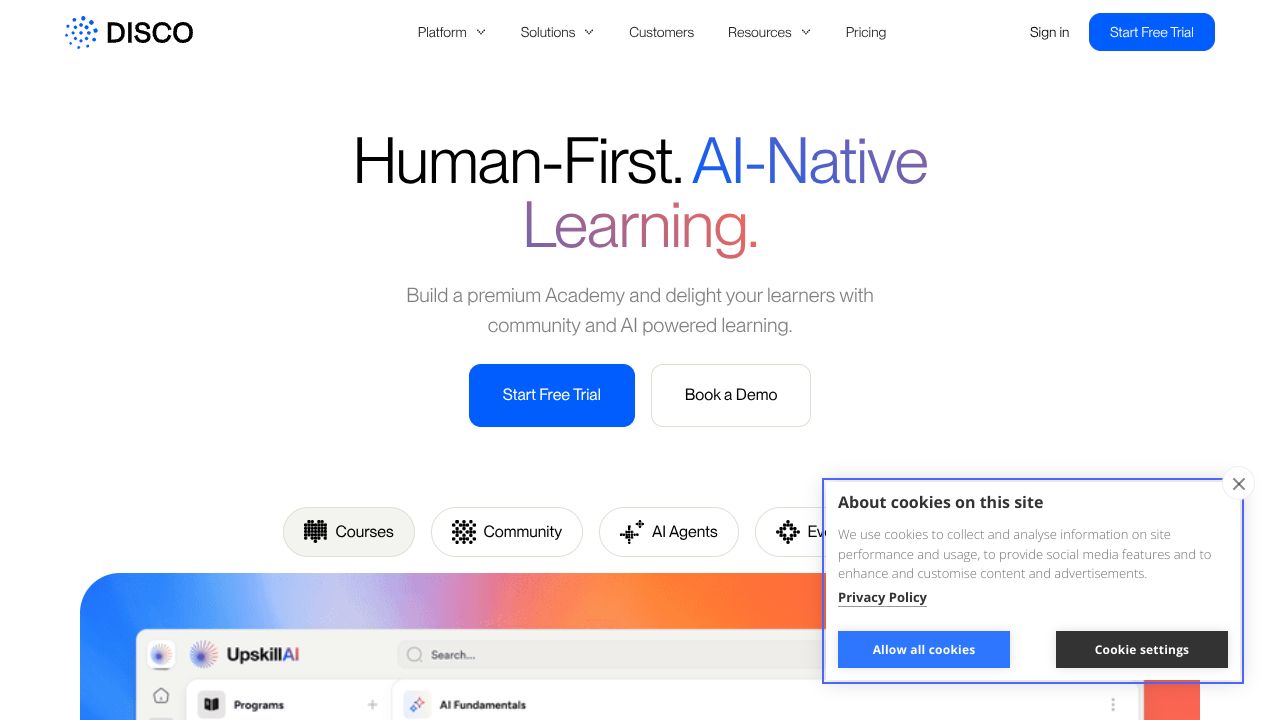
Manual course-building is dead — let the AI do the heavy lifting, and keep humans where they matter
We've found that organizations waste weeks building stale slide decks while learner engagement still lags. Disco solves that by combining an AI course builder with community-first features and automation so you ship interactive, social learning faster and keep people coming back. Compared to traditional LMSes or siloed community tools, Disco automates curriculum generation and operational tasks while centering peer interaction — a practical win for teams that want production-ready learning, not another experiment.
Step 1: Setting Up Your Account
- Sign up at https://www.disco.co — plans start at $79/month. Choose a trial or a team plan that supports branded academies.
- Complete org profile and branding — upload logo, colors, and set your academy name and domain early so links and emails look polished.
- Invite core team members (instructors, community managers) and set roles/permissions. We recommend at least one community manager and one curriculum owner.
- Connect integrations: SSO (if available), your email provider, and any analytics destination. These reduce friction for learners on day one.
Practical start: create a 4–6 week pilot course (e.g., “Intro to Model Fine-Tuning”) as your testbed. Use a small cohort of 20 learners to validate flows before scaling.
Step 2: Core Features You Need to Know
- AI Course Builder — Upload a syllabus, learning objectives, or example content (PDFs, slide decks). Disco’s AI drafts lesson plans, learning outcomes, quizzes, and suggested discussion prompts. Actionable tip: provide a short master prompt for tone/level (e.g., “practical, hands-on, for ML engineers”), then iterate.
- Community Engagement Tools — Set up channels, cohort groups, and threaded discussions. Use prompts the AI suggested to kick off conversations and require a short reflection post as part of lesson completion to drive social learning.
- Automated Operations — Configure onboarding sequences, drip schedules, reminders, and certification triggers. We automate a welcome message, day-3 reminder, and a post-course NPS survey.
- Branded Academies — Publish a polished academy page with your brand, custom domain, and enrollment flows. Makes corporate training look like a product, not a folder of PDFs.
- Social Learning Features — Peer review assignments, leaderboards, and live events (AMAs/webinars). We pair synchronous office hours with asynchronous reflection to boost retention.
Step 3: Pro Tips for Artificial Intelligence Professionals
- Seed the AI with technical artifacts — model cards, code snippets, and datasets you want learners to examine. Disco’s drafts become far better with concrete examples.
- Use cohort-based timelines for practical work — assign small group projects (e.g., fine-tune a small model on a toy task) and have peers critique experiments.
- Automate evaluation but keep human checkpoints — let the platform auto-grade quizzes and flag submissions for instructor review when confidence is low.
- Leverage analytics to iterate quickly — track engagement by lesson, community participation, and completion; pivot content weekly.
- Involve the community in content creation — run “student-created labs” where the AI helps package a top submission into a module.
Common Mistakes to Avoid
- Over-automation: turning everything over to AI without review. Prevent by establishing an editorial pass for every AI-generated lesson.
- Weak onboarding: a poor first-day experience kills retention. Prevent by automating a friendly orientation and a “start here” checklist.
- Neglecting moderation: community tools need active facilitation. Prevent by assigning moderators and using AI-suggested icebreakers and discussion prompts.
How It Compares to Alternatives
In our tests, Disco sits between course platforms (Teachable, Thinkific) and community-first tools (Circle, Slack). Unlike Teachable/Thinkific, Disco automates curriculum creation with AI and emphasizes collaboration. Compared to Circle or Slack, Disco adds structured learning workflows, assessments, and drip automation out of the box. For enterprise LMSes (Moodle, Docebo), Disco trades exhaustive admin features for faster iteration and higher social engagement.
Conclusion: Is Disco Right for You?
If your goal is to rapidly deploy branded, AI-assisted learning that centers community engagement and automates ops, Disco is a strong fit — especially for orgs running cohort-based or skill-focused programs. We’ve used it to cut course production time and improve engagement metrics in pilot cohorts. Budget-conscious teams will appreciate the $79+/month entry point; larger orgs should evaluate enterprise features and integrations. In short: Disco moves you from AI experiments to production-ready academies — with humans still steering the learning.